Celebrate National Day on Writing with a Tool Built for Writers
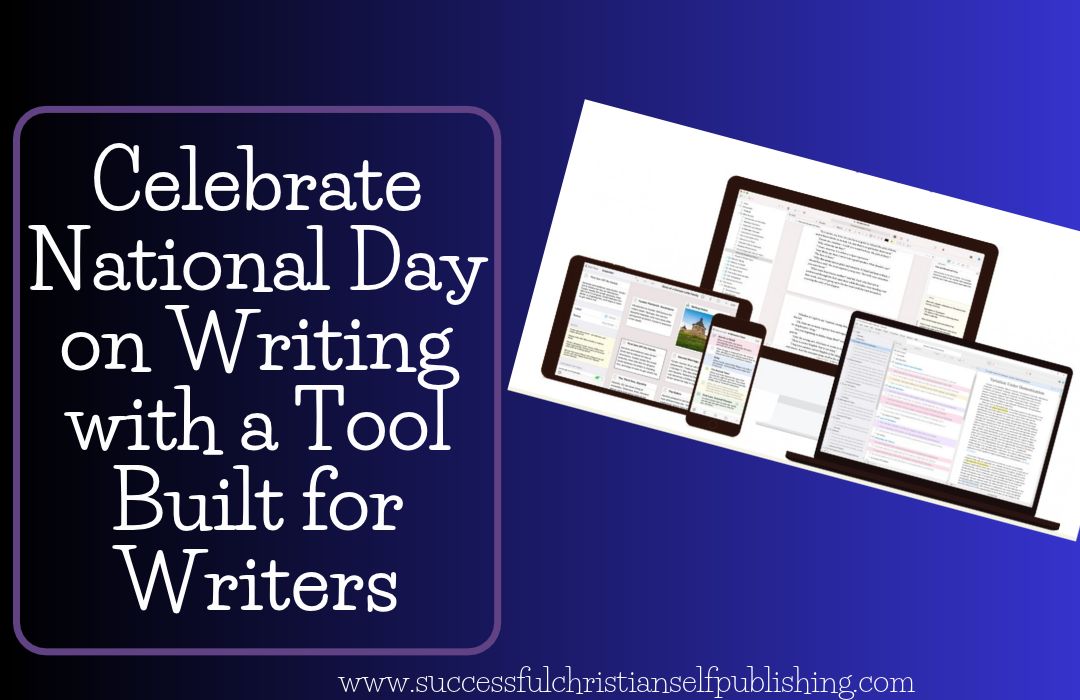
October 20 is the National Day on Writing. The National Council of Teachers of English started it in 2009 to celebrate writing in every form and to encourage writers to take their craft seriously. Let me use the day to tell you about the writing tool I recommend more than any other: Scrivener.
What Is Scrivener?
Scrivener is writing software from a small company called Literature & Latte. It isn’t just another word processor. It’s a complete writing studio built for long projects like novels, devotionals, Bible studies, memoirs, and nonfiction books. The best introduction is Literature & Latte’s own short overview. You can watch their video introducing Scrivener here.
A word processor treats your book as one enormous, scrolling document. Scrivener lets you break your manuscript into pieces as big or small as you like: a chapter, a scene, or even a single paragraph. You write in any order. When inspiration strikes for chapter twenty while you’re still in chapter three, you write it down and find its place later.
Why Writers Love It
The Binder. Down the left side of the screen sits your entire book: every chapter, every scene, every note. Click any item and you’re there instantly. No more scrolling through 300 pages hunting for the scene where your heroine first meets her love interest.
The Corkboard. Every section of your book gets a virtual index card with a short synopsis. Lay them out on the corkboard and you can see the shape of your whole story at a glance. Move a card and you move that scene in your manuscript. Restructuring a book becomes as simple as drag and drop.
Research Within Reach. Character sketches, setting photos, Scripture references, interview notes, PDFs, and web pages can all live inside your project. You can split the screen and keep your research open right beside the scene you’re writing.
Targets and Progress Tracking. Set a word goal for the whole manuscript or for today’s writing session, then watch the progress bar fill. Scrivener also keeps a writing history, so you can see what you produced each day. That’s a wonderful encouragement on the days you feel like you’re getting nowhere.
Snapshots. Before a big rewrite, take a snapshot of the section. If the revision doesn’t work, you can go back to the earlier version in a click. That safety net makes you a braver reviser.
Compile. When you’re ready to publish, Scrivener compiles everything into one finished document. You can export to Word for your editor, PDF for print, or ebook formats. You can write in whatever font makes you happy and still produce a manuscript that meets submission or formatting guidelines.
A Tool for Indie Authors
For those of us who publish independently, every dollar matters. Scrivener is refreshingly different from most software today because it’s a one-time purchase, not a subscription. You buy it once and it’s yours. It’s available for Mac, Windows, and iPhone/iPad, and you can sync between devices so your book goes wherever you go.
If you aren’t sure it’s for you, try it first. Literature & Latte offers a free trial, and right now they’re running an extended trial through December 7 for writers getting ready for November novel-writing challenges. It works even if you’ve used up a trial before.
Give It a Try
Scrivener has a learning curve, and I won’t pretend otherwise. You don’t have to master every feature on day one, though. Start with the Binder and the Corkboard, write your next scene, and let the rest come as you need it. Most writers I know who stick with it for a week never go back.
This National Day on Writing, give yourself a gift that will serve every book you write from here on.
👉 Get Scrivener from Literature & Latte here.
This post contains an affiliate link. If you purchase through it, I may earn a small commission at no extra cost to you.

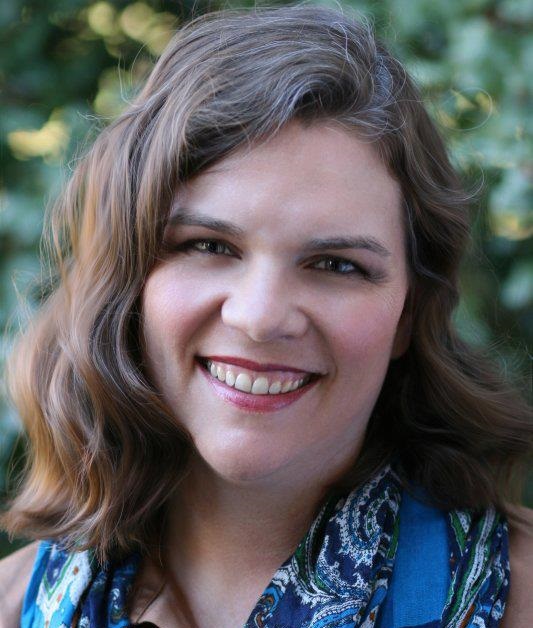
With nearly a million sales, Hallee Bridgeman is aUSA TODAY best-selling and award-winning Christian author who writes action-packed romantic suspense focusing on realistic characters who face real-world problems. Her work has been described as everything from refreshing to heart-stopping exciting and edgy. Hallee has served as the Director of the Kentucky Christian Writers Conference, President of the Faith-Hope-Love chapter of the Romance Writers of America, is a member of the American Christian Fiction Writers (ACFW), the American Christian Writers (ACW), and Novelists, Inc. (NINC). An accomplished speaker, Hallee has taught and inspired writers around the globe, from Sydney, Australia, to Dallas, Texas, to Portland, Oregon, to Washington, D.C., and all places in between. Hallee loves coffee, campy action movies, and regular date nights with her husband. Above all else, she loves God with all of her heart, soul, mind, and strength; has been redeemed by the blood of Christ; and relies on the presence of the Holy Spirit to guide her.